
Unlock Your Reading Potential with MoniRA
In today's fast-paced world, information is everywhere. Whether you're reading for **entertainment**, **academic pursuits**, or **professional growth**, MoniRA revolutionizes the way you interact with text in your Monitor. Imagine effortlessly breezing through **books, articles, novels, emails, reports, theses**, and more. MoniRA empowers you to absorb information faster, improve comprehension, and achieve a new level of productivity.
How MoniRA Boosts Your Reading Speed
MoniRA employs a range of innovative features designed to train your eyes and mind for optimal reading performance:
-
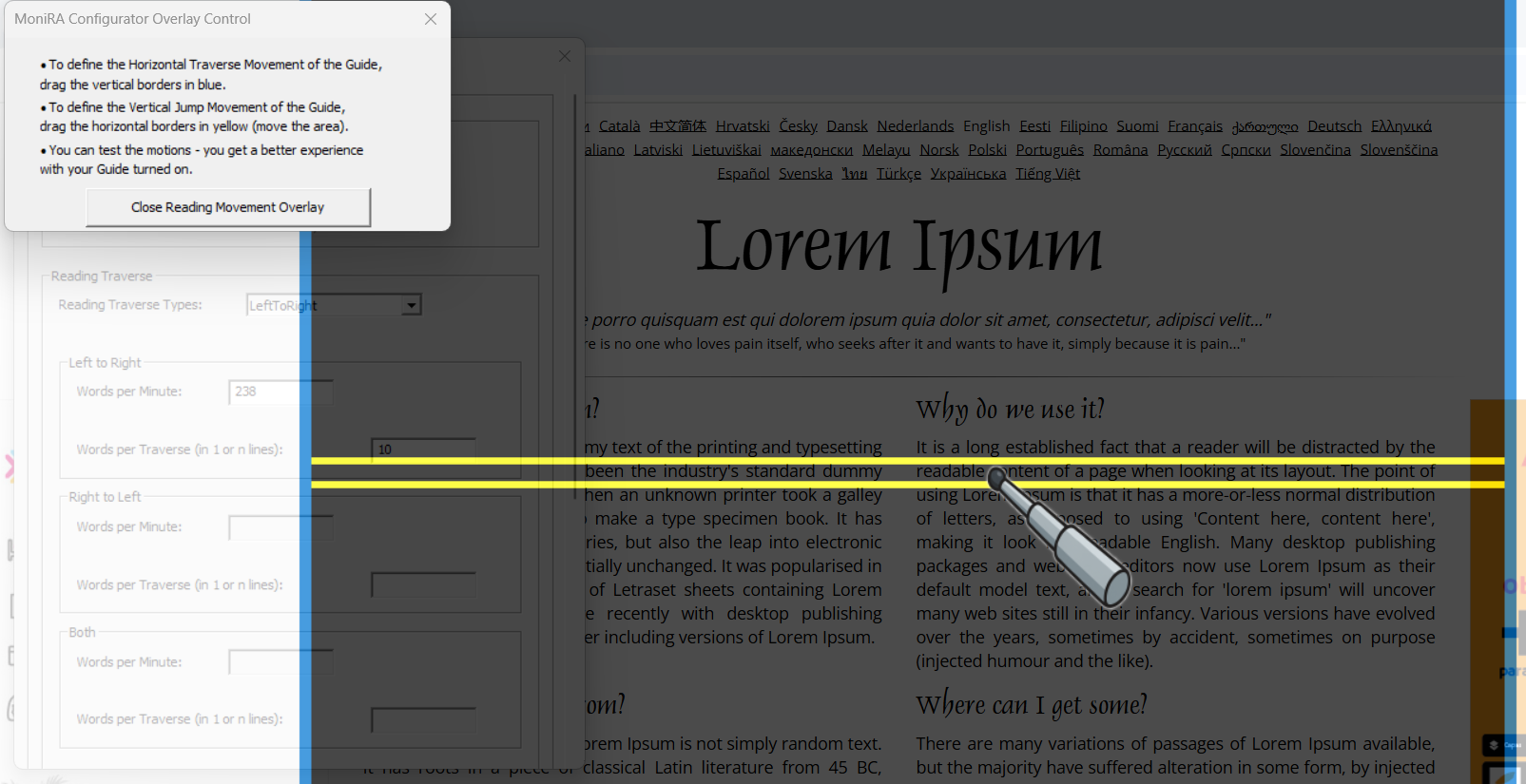
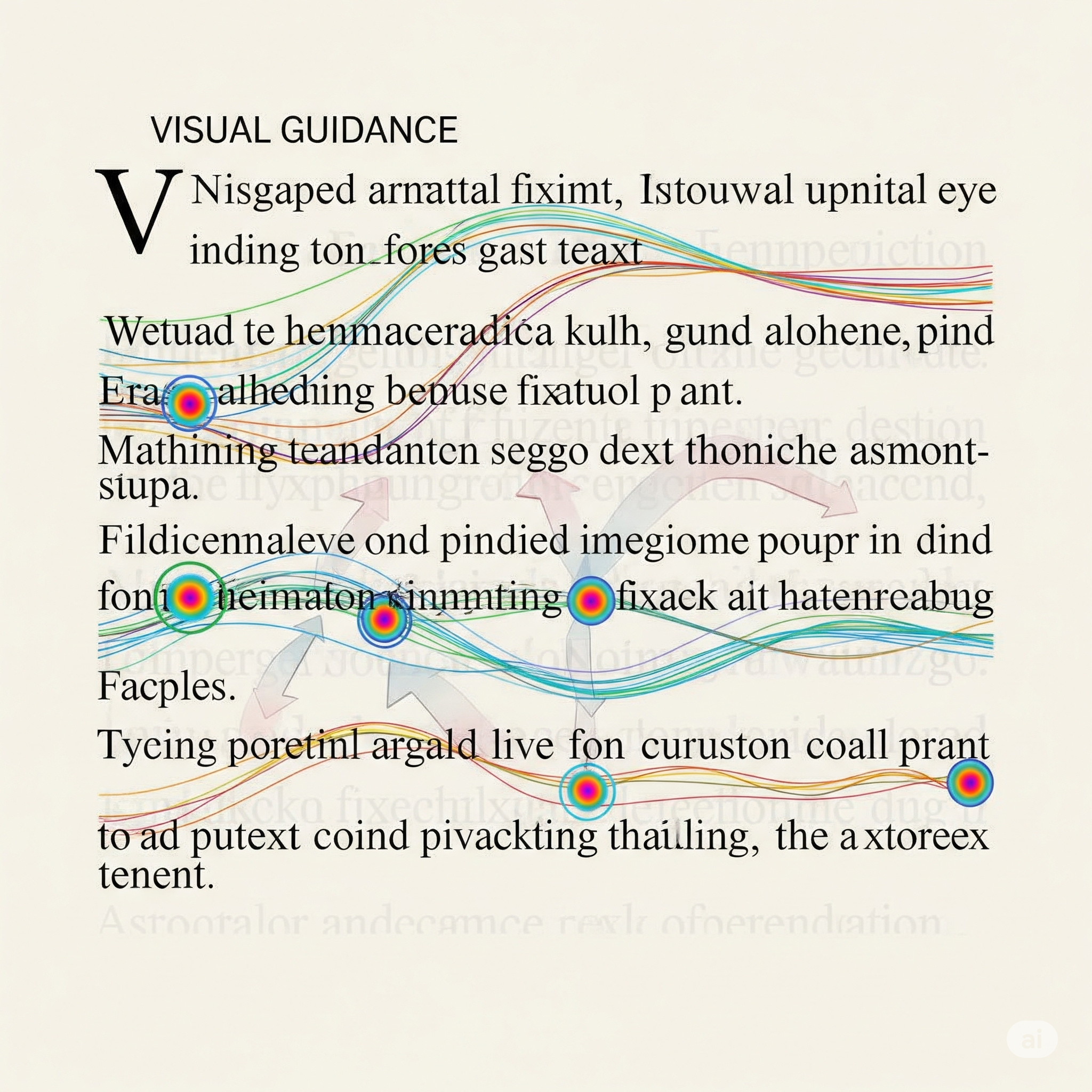
Visual Guide for Eye Movement: MoniRA provides a **visual guide** that directs your eye movement, ensuring focused attention on the text and preventing distractions.
- Eliminate Regressions: Our visual guidance actively helps you avoid common bad habits like **rereading previously read lines**, known as regressions, which significantly slow down your pace.
- Word Grouping for Fixation: MoniRA promotes the **grouping of words per reading fixation**, allowing you to process multiple words at once instead of reading word-by-word.
- Automated Reading Movement: Say goodbye to excessive mouse manipulation. MoniRA offers **automated reading movement**, smoothly guiding you through the text without constant manual scrolling.
-
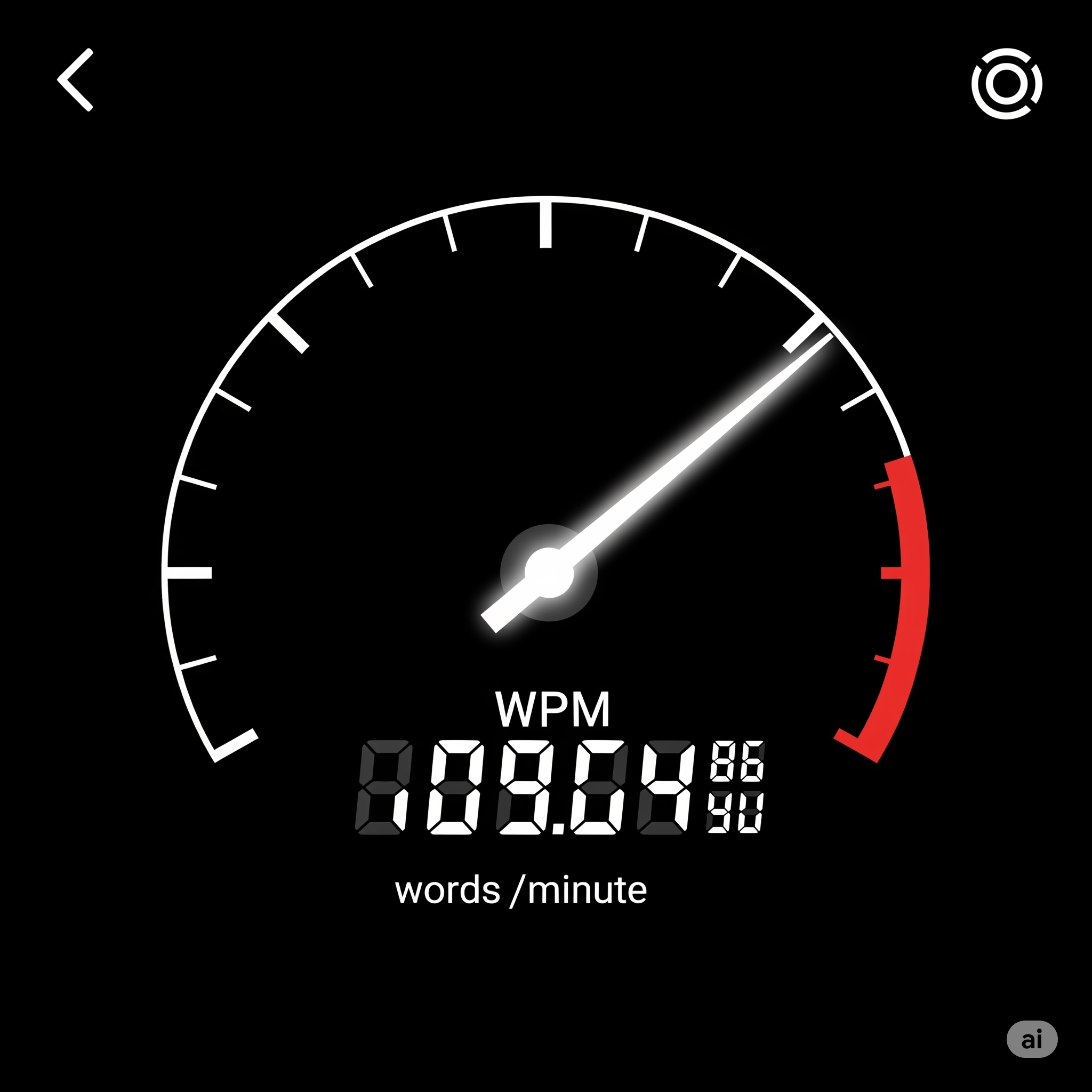
Words Per Minute (WPM) Tracking: Understand your progress with our **automated reading movement based on a "Words per Minute" (WPM) definition**. This feature helps you track your current reading speeds and consciously improve them over time.
-
Configurable Reading Patterns: Customize your reading experience with a **configurable reading patterns selector**. Choose from standard left-to-right or right-to-left patterns with carriage returns, multi-line translations, or even the advanced "inverted S" pattern for optimal flow.
- Configurable Reading Layer: Utilize a **configurable reading layer** that visually delimits the length of your reading movement across the page. This layer also allows you to visually define vertical jumps to the next line or multiple lines of text.
- Monitor Selector: If you have multiple monitors connected, MoniRA's **monitor selector** allows you to choose which screen you want to use for your reading sessions.
- Metronome BPM Suggestions: MoniRA provides **metronome BPM suggestions**, enabling you to use your preferred metronome app with our recommended beats per minute to maintain a consistent reading rhythm across lines or groups of lines.
Download MoniRA for Windows
Ready to transform your reading habits? Download MoniRA for Windows today and start your journey to faster, more efficient reading.
System Requirements: Windows 10 or later.
Installation Guide:
- Click the "Download Now" button below.
- Once the download is complete, locate the `MoniRA_Setup.exe` file in your downloads folder.
- Double-click the installer file and follow the on-screen instructions.
- Launch MoniRA from your desktop or Start menu.
Purchase MoniRA
Invest in your productivity and unlock a new world of reading with MoniRA. Purchase your license today and receive an activation code via email.
Price: $x USD (One-time purchase)
Your payment will be securely processed. After a successful transaction, you will receive an email with your unique activation code to unlock MoniRA's full features.


Contact Us
If you have any questions, feedback, or need support, please don't hesitate to reach out to us. We're here to help!
You can reach us directly at: machtia.b@gmail.com